Introduction
A business website may collect enquiries, customer details, account information or online payments. It can also connect to content management systems, marketing tools and other business applications. Website security is therefore an ongoing responsibility, not a one-time installation task. Businesses in Dubai should identify what their websites do, what information they handle and who is responsible for maintaining them.
For businesses in Dubai and across the UAE, assess the solution against the organisation’s locations, customer expectations, existing systems and support needs.
Start with a website risk review
List the website platform, hosting provider, domains, plugins, custom code, forms and connected services. Identify whether the site stores personal information, accepts payments or provides customer accounts. Review which parts are business-critical and what disruption would mean. This inventory helps prioritise controls and makes it easier to identify outdated or unnecessary components.
Use HTTPS and secure configuration
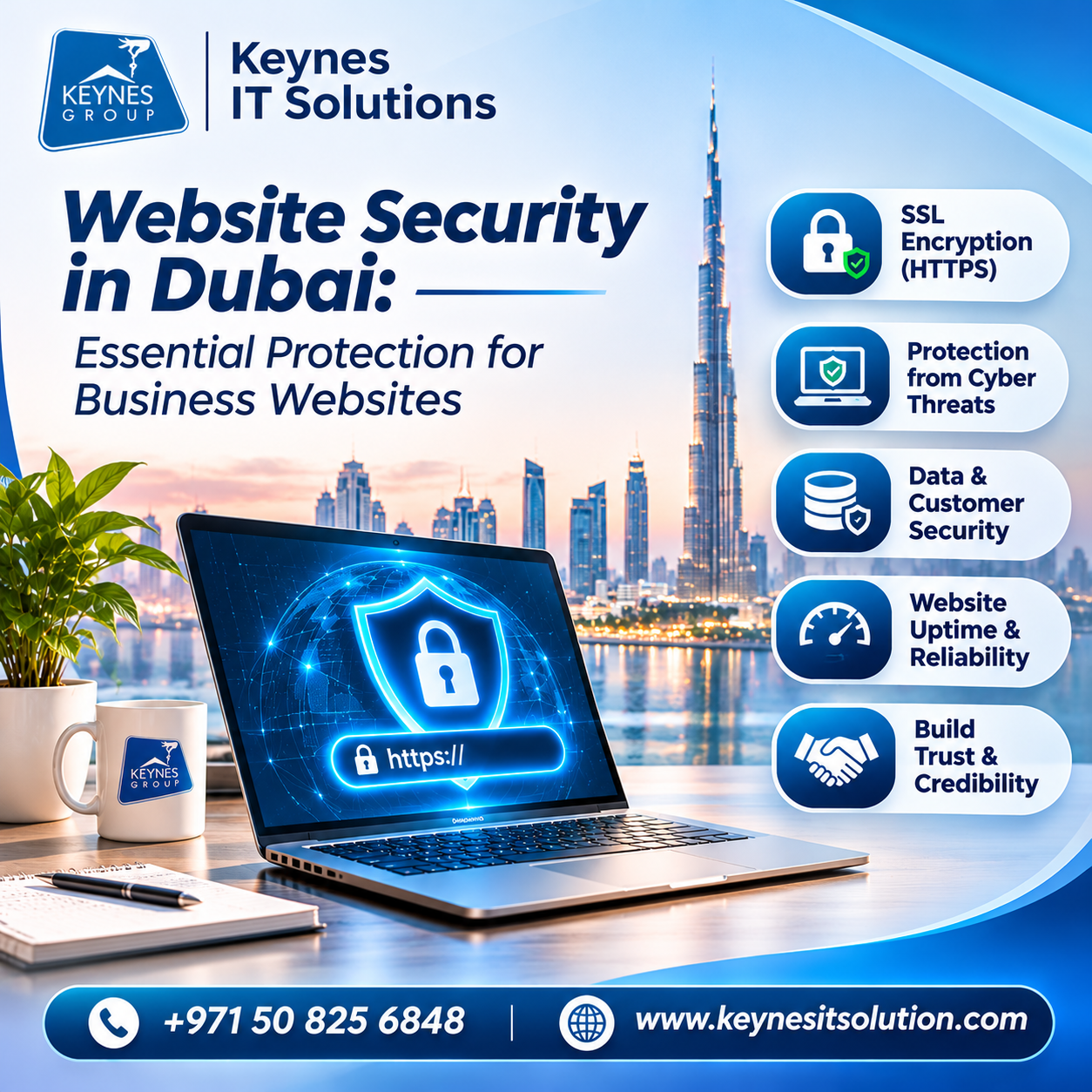
HTTPS helps protect information exchanged between a visitor’s browser and the website. Ensure certificates are valid and renewal is managed. Review server settings, remove unused services and avoid exposing administrative interfaces unnecessarily. Secure configuration should be checked after major hosting or platform changes.
Protect administrator accounts
Use unique passwords, multi-factor authentication where supported and role-based access. Give contributors only the permissions needed for their tasks. Remove unused accounts and review access when staff or suppliers change. Avoid sharing one administrator account among multiple people because it makes activity harder to trace.
Maintain software and extensions
Content management systems, themes, plugins, libraries and server software need updates. Maintain an update schedule and test changes in a staging environment where possible. Remove abandoned extensions and components that are no longer required. Keep a record of versions and changes so that problems can be investigated.
Secure forms and customer information
Collect only the information needed for the stated purpose. Protect forms against automated abuse and validate submitted data on the server. Ensure that enquiry notifications are sent to authorised recipients and that customer information is not exposed in public files or error messages. Payment processing should use an appropriate payment provider and secure integration.
Backups, monitoring and recovery
Maintain backups of website files, databases and important configuration. Store copies separately from the live environment and restrict access to them. Monitor availability, unusual activity and important application errors. Test restoration so the team knows how to recover the website and how long recovery is likely to take.
Prepare an incident response process
Document who should be contacted if the site is compromised, unavailable or displaying unexpected content. Preserve relevant logs, involve the hosting or security provider and follow appropriate notification and reporting obligations. Avoid making unverified public claims while an incident is being investigated. Review what happened and update controls after recovery.
Make security part of ongoing maintenance
Assign responsibility for updates, access reviews, vulnerability checks, backups and supplier coordination. Include security requirements when adding new features or integrations. Review the website after redesigns, migrations and changes in how customer data is collected.
How Keynes IT Solutions can help
Keynes IT Solutions works with organisations to understand technology requirements and plan software and digital solutions around business processes. Begin with a clear scope, the users involved and the outcomes the organisation wants to improve. Explore Keynes IT Solutions services and the Keynes IT Solutions website for more information. Evaluate any proposed solution based on its fit, implementation approach, security, support and total cost.
Implementation checklist
- Document the current process, pain points and people responsible for each step.
- Define essential requirements and separate them from optional future enhancements.
- Review existing data, remove duplicates and assign ownership for data quality.
- Confirm integrations, permissions, security controls, backups and reporting needs.
- Compare providers using demonstrations based on real business scenarios.
- Pilot the solution, train users and agree on ongoing support and review responsibilities.
Frequently asked questions
Does HTTPS make a website completely secure?
No. HTTPS protects data in transit but does not replace secure coding, access controls, updates, monitoring or backups.
How often should website software be updated?
Apply security updates promptly through a tested process and review the platform and extensions regularly.
Are website backups enough to prevent attacks?
Backups support recovery but do not prevent attacks. They should be combined with preventive controls and monitoring.
Should every website have multi-factor authentication?
It is strongly recommended for administrator and other sensitive accounts wherever the platform supports it.
Useful resources
For general technology and digital guidance, consult Digital Dubai for Dubai digital initiatives for national digital-policy information, and the ISO standards catalogue for relevant standards. Check current official guidance and obtain qualified advice for requirements that apply to your business or sector.
Conclusion
The most useful technology or marketing investment is one that addresses a clearly identified business need. Compare options carefully, involve the people who will use the solution and plan for accurate information, training and ongoing review. A structured approach can help the organisation improve consistency and make better-informed decisions.