Introduction
Marketing teams create and receive a growing collection of creative files for websites, social campaigns, presentations, paid advertising and sales materials. When assets are stored across personal laptops, messaging apps and multiple cloud folders, staff can struggle to find the latest approved version. This is especially challenging when several team members or external partners work on the same campaign.
Without a clear asset library, teams may reuse outdated artwork, send large files repeatedly or spend time asking colleagues for links. Inconsistent naming and unclear approval status can also lead to brand mistakes, duplicated work and delays when campaigns need to be published quickly.
How digital asset management can support local businesses
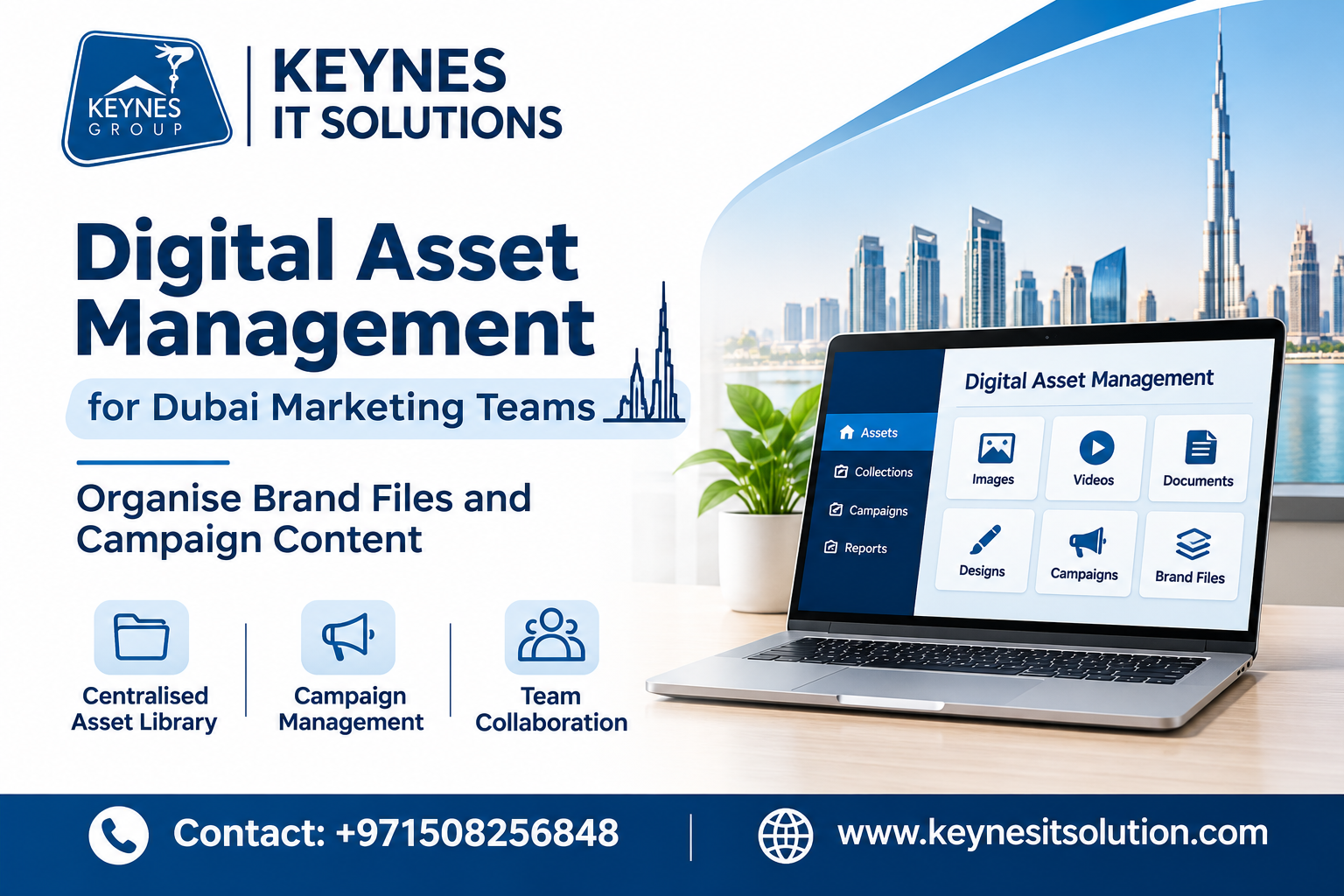
A digital asset management (DAM) workflow creates a searchable, structured library for creative files. Assets can be grouped by brand, campaign, channel, language or usage status. With the right permissions and review process, teams can find approved content and share it with colleagues or partners without losing track of versions.
For businesses operating in Dubai, United Arab Emirates, a useful digital workflow should fit the way the team works today and allow for future growth. The first step is to identify the information employees need at each stage, who is responsible for updating it and how managers will check progress. Software is most valuable when it gives people a dependable shared process, not simply another place to enter the same information.
Key features to evaluate
- Central library for images, videos, logos and campaign files
- Searchable tags, categories and metadata
- Version history and approval status
- Role-based access and controlled sharing
- Download formats and usage notes for different channels
Benefits for your team
- Reduce time spent searching for creative files
- Help teams use approved and current brand assets
- Improve collaboration between marketing and design
- Make campaign handovers more consistent
Practical implementation plan
- Audit current creative folders and identify duplicate or outdated assets.
- Agree a naming structure, tag list and folder taxonomy.
- Define who can upload, approve, edit and share files.
- Migrate priority assets and label approved versions clearly.
- Train users and review library quality after each campaign cycle.
Local business considerations in Dubai
For teams operating in Dubai and across the UAE, consider whether assets need Arabic and English labels, region-specific campaign versions, expiry dates for promotional artwork or separate permissions for client materials. These details make the library more useful than a simple folder structure.
When comparing providers, ask whether the system supports your business size, user roles, data formats and day-to-day devices. Check how information can be exported, how access is managed, what backup and recovery options are available and what support is included after launch. If your company has more than one branch, team or operating location, test the workflow with each group before expanding it.
How to measure whether the solution is working
Set a baseline before implementation and choose a few practical measures that match the purpose of the project. Examples may include time spent searching for records, number of incomplete requests, order or job status visibility, time taken to prepare reports, or the number of manual corrections required. Review the measures with the employees who use the system and adjust the process when the data shows a recurring issue. Avoid tracking metrics that do not help a manager or team member take action.
Choosing a technology partner
A reliable technology partner should understand your business requirements, explain the proposed solution clearly and document the scope of work. Ask for a demonstration using realistic scenarios, including exceptions and corrections. Discuss implementation stages, data migration, user training, testing, maintenance and the process for requesting future changes. Confirm which features are included in the quoted scope and whether third-party subscriptions or integrations carry additional costs.
Keynes IT Solutions offers digital and software services for businesses. Explore Keynes IT Solutions services to review technology capabilities, browse completed projects and development examples, or visit the Keynes IT Solutions blog for more business technology guides. These internal links help readers continue to relevant information on the website.
Frequently asked questions
Is a shared cloud folder enough?
A shared folder may work for a small collection. DAM features become more useful when teams need searchable metadata, version control, approvals and structured sharing.
Can external agencies access selected assets?
Many platforms support guest or restricted access. Configure permissions so partners only see the files needed for their work.
Conclusion
Choosing and implementing digital asset management is an opportunity to improve the way information is recorded, shared and reviewed. Start with the core requirements, involve the people who will use the system, test the workflow with real examples and provide ongoing training. With a clear process and suitable technology, businesses in Dubai, United Arab Emirates can create more organised operations and make better use of their business information.