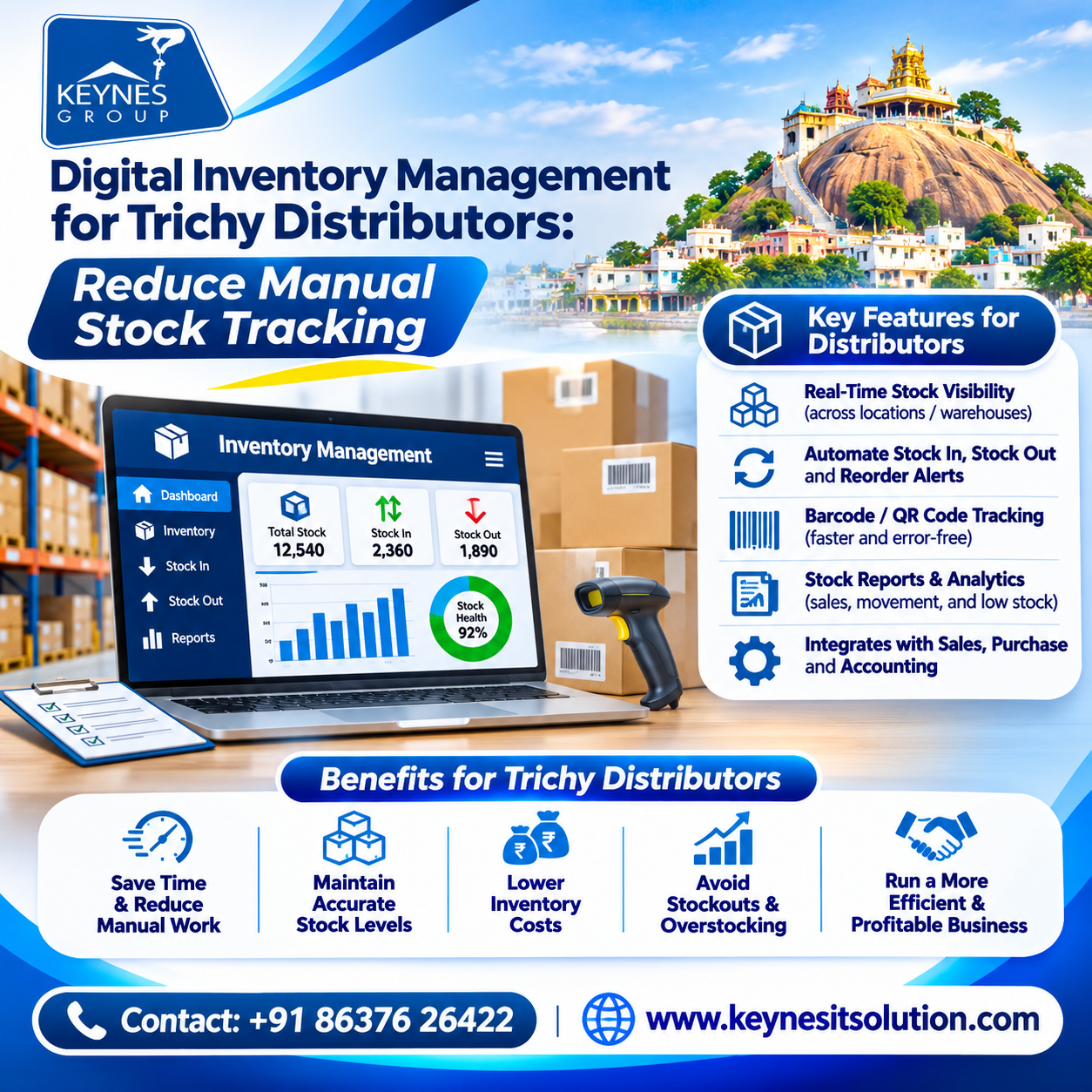
Digital Inventory Management for Trichy Distributors: Reduce Manual Stock Tracking
Distributors need accurate information about what is in stock, what has been ordered, what is reserved for customers and what is ready to dispatch. When records are maintained across notebooks and separate spreadsheets, it can become difficult to identify discrepancies or respond quickly to customer questions. A digital inventory process can improve visibility, but the foundation is consistent product data and clear operating procedures. This guide explains how distributors in Trichy can plan a more organised stock-management workflow.
Create a consistent product catalogue
Give each item a clear product name, code, unit of measure and relevant specifications. Standardise how pack sizes, variants and units are recorded. Review duplicate product records and agree who can create or edit catalogue information. Consistent product data makes purchasing, receiving, sales and reporting easier to reconcile.
Record stock movements at the right time
Define how goods received, sales, returns, transfers, damaged items and adjustments are recorded. If entries are delayed, the system may show stock that is no longer available. Assign responsibility for each movement and use clear references such as purchase orders or delivery documents. Periodic physical checks help identify differences between recorded and actual quantities.
Set reorder levels based on demand and lead time
Use sales history, supplier lead times, seasonal patterns and business priorities to guide replenishment. A reorder threshold should not be copied blindly from another product because demand and supply conditions differ. Review slow-moving and fast-moving items separately, and document who approves purchase requests.
Improve warehouse and dispatch coordination
If stock is stored in more than one location, record where each item is held and how transfers are approved. Define picking, packing and dispatch steps so staff can identify which orders are ready and which are waiting for stock. Clear status updates can reduce repeated calls between sales and warehouse teams.
Connect purchasing and sales information
A connected workflow can help staff see pending purchase orders, customer commitments and available stock in one place. Before integrating systems, check the available APIs, data formats and permissions. Decide which system owns product, supplier and order records to avoid inconsistent updates.
Use reports to identify stock issues
Useful reports may include stock on hand, stock valuation, reorder alerts, ageing inventory, fast-moving items and order fulfilment status. Make sure each report has a defined calculation and reporting date. Review unusual adjustments and recurring stock differences to identify process problems rather than treating every discrepancy as an isolated event.
Train employees and define access roles
Employees should understand how to receive goods, record sales, process returns and report discrepancies. Use role-based permissions for sensitive changes such as stock adjustments and purchase approvals. Provide a simple process for correcting mistakes so records remain traceable.
Choose software based on the real workflow
Compare systems using product catalogue needs, multiple warehouse support, barcode requirements, purchase workflows, reporting, integrations, user access and support. A smaller distributor may need a focused stock system, while a larger operation may require broader ERP capabilities. Define the must-have requirements before comparing providers.
Conclusion
Digital inventory management can help Trichy distributors improve stock visibility and coordinate purchasing, sales and dispatch. Begin with consistent product records and clear movement procedures, then select software that supports the actual warehouse and business workflow. Review stock accuracy and fulfilment measures regularly. For software and website services, visit Keynes IT Solutions. For official state information, refer to the Tamil Nadu government portal.
Frequently Asked Questions
What is the first step in digitising inventory?
Standardise the product catalogue and document how stock enters, moves through and leaves the business. Clean records before importing them into a new system.
Can inventory software support multiple warehouses?
Many inventory platforms provide multi-location features, but the exact capability varies. Confirm transfers, location-level quantities, permissions and reporting during product evaluation.
How can distributors reduce stock discrepancies?
Record movements promptly, define responsibility for adjustments, use consistent product units and perform regular physical counts with documented reconciliation.
Useful Resources
Discuss your requirements: Visit Keynes IT Solutions.