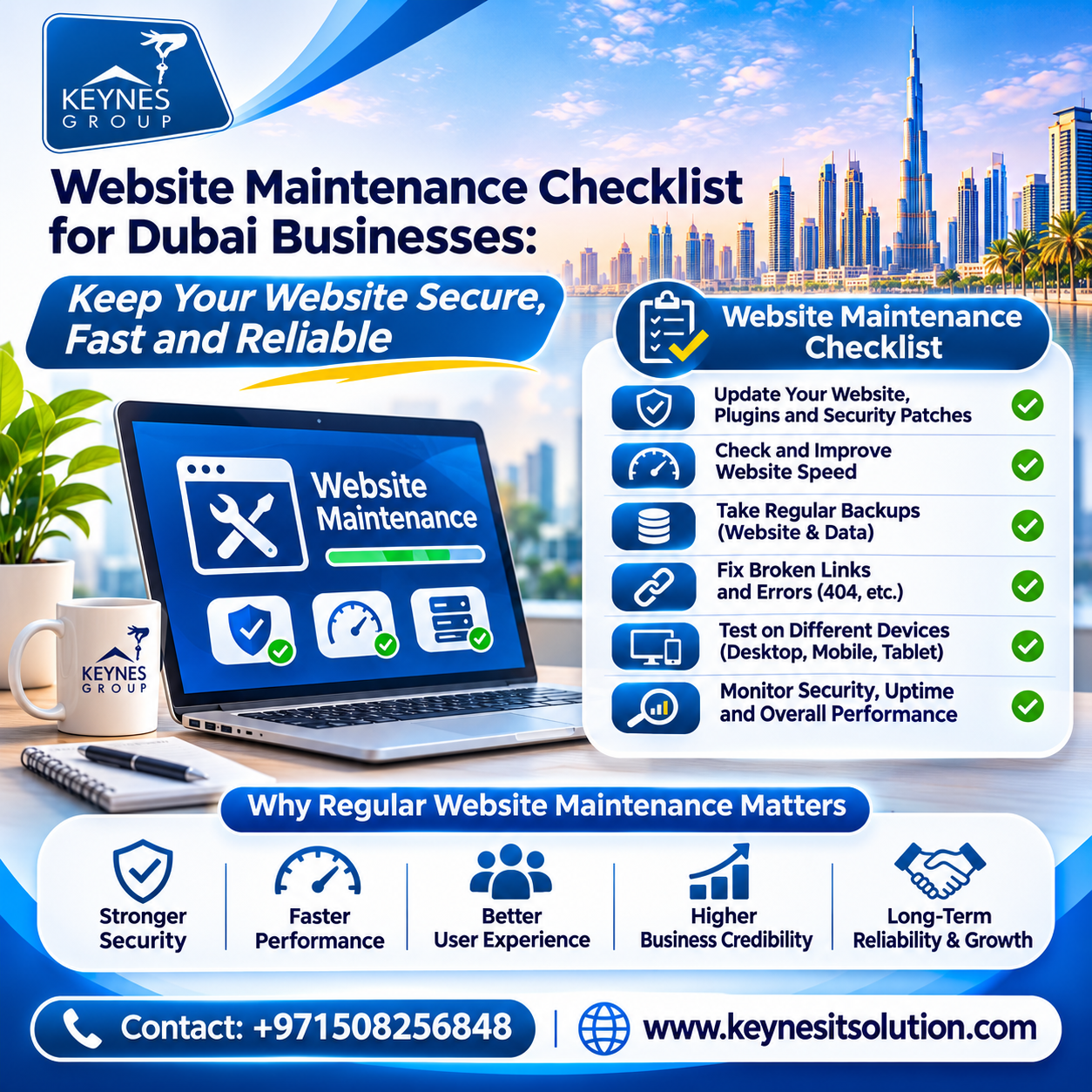
Website Maintenance Checklist for Dubai Businesses: Keep Your Website Secure, Fast and Reliable
Launching a website is only the beginning of its lifecycle. Business information changes, software dependencies receive updates, customer expectations evolve and technical issues can appear without warning. For companies serving customers in Dubai, an outdated or unreliable website can make it harder for visitors to understand services, submit enquiries or trust the business. A planned maintenance routine helps keep the website accurate, usable and technically healthy. This guide provides a practical checklist that business owners and website managers can adapt to their own websites.
Review content and business information
Check the homepage, service descriptions, contact details, office information, business hours and enquiry routes. Remove outdated offers and correct details that no longer reflect the services actually provided. If the company serves customers in multiple locations, explain service coverage accurately and do not imply a local office where one does not exist. Review team profiles, project examples and testimonials to ensure facts and permissions remain current.
Apply software and platform updates carefully
Websites may depend on a content management system, themes, extensions, libraries, forms and third-party integrations. Keep supported components updated, but test updates in a staging environment where possible before applying them to the live website. Confirm that navigation, enquiry forms, payment flows and customer login areas still work after an update. Remove unused extensions and accounts.
Check backups and recovery readiness
Backups should cover website files, databases and relevant configuration. Confirm how often backups are created, how long they are retained and where they are stored. A backup is useful only if it can be restored, so schedule recovery tests and document the steps. Record hosting support details, domain registrar information and the people authorised to approve urgent changes.
Review security and access controls
Use HTTPS, strong unique passwords and multi-factor authentication where available. Review administrator accounts, form protections, file permissions and security alerts. Remove accounts when staff or suppliers no longer need access. If the website processes personal or commercially sensitive information, obtain appropriate advice about applicable privacy and data-protection obligations.
Test speed, mobile usability and accessibility
Test important pages on mobile devices as well as desktop screens. Check text readability, navigation, image scaling, form labels, button sizes and error messages. Compress images appropriately, avoid unnecessary scripts and review caching and hosting configuration. Use Google PageSpeed Insights to identify performance opportunities, prioritising issues that affect real visitors.
Test every important enquiry path
Submit test enquiries and confirm that messages reach the correct mailbox or CRM. Check phone links, WhatsApp links if used, booking requests, downloads and payment steps. Verify confirmation messages and make sure customers understand what happens after submitting a form. Track meaningful actions such as form submissions and calls rather than only page views.
Maintain technical SEO foundations
Review indexing, sitemap availability, robots.txt, canonical tags, redirects and broken internal links. Ensure important pages are accessible to search engines and that retired URLs are handled correctly. Google's Search Essentials outlines foundational requirements for search visibility. Its helpful content guidance is useful when reviewing whether pages answer visitors' questions.
Create a monthly maintenance record
Use a log containing the date, task, person responsible, result and follow-up required. Review unresolved issues at the next maintenance meeting. A monthly report can summarise completed updates, backup tests, security alerts, speed checks, broken forms and search performance. A brochure website and a high-volume e-commerce platform will not need identical maintenance routines.
Conclusion
Regular website maintenance protects the usefulness of a business website and helps visitors complete important tasks with confidence. Dubai businesses should establish clear ownership for updates, backups, security checks, performance reviews and enquiry testing. The right maintenance schedule depends on the platform and business risk, so document responsibilities rather than relying on occasional checks. To discuss website development or support requirements, visit Keynes IT Solutions. For general local information, use the official Dubai government portal.
Frequently Asked Questions
How often should a business website be maintained?
Review critical functions and security alerts regularly, and schedule a broader content, backup, performance and technical review at least monthly. The exact frequency depends on the website and its business importance.
Are website backups enough to protect a website?
No. Backups support recovery, but they should be combined with updates, access controls, monitoring, secure hosting practices and tested restoration procedures.
Does website maintenance improve SEO?
Maintenance can help keep pages accessible, accurate, fast and technically sound. It does not guarantee rankings, but unresolved technical problems and outdated content can undermine user experience and search visibility.
Further Reading
- Google Search Essentials
- Google helpful content guidance
- Google PageSpeed Insights
- Dubai government portal
Discuss your requirements: Visit Keynes IT Solutions.