Introduction
Businesses in Dubai rely on computers, laptops, mobile devices, servers, network equipment and licensed software to keep daily operations moving. As teams grow and workplaces become more distributed, tracking these assets through spreadsheets, emails and manual registers can become difficult. Records may become outdated, equipment assignments may be unclear, and renewal or maintenance dates can be missed.
IT asset management software gives organisations a central place to record, monitor and manage technology assets throughout their lifecycle. For companies in Dubai and across the UAE, a structured asset management process can improve accountability, support budgeting and make IT operations easier to oversee.
What Is IT Asset Management Software?
IT asset management (ITAM) software helps an organisation maintain an organised record of its technology assets, including hardware, software licences, accessories and related service information. Depending on the platform, teams can record asset details, assign equipment to employees or departments, track locations, schedule maintenance and review asset history.
The objective is not simply to create an inventory. It is to keep asset information accurate and useful so that managers can make informed decisions about purchasing, support, replacement and compliance.
Why Dubai Businesses Need Better IT Asset Tracking
- Growing teams: New employees and departments increase the number of devices that need to be assigned and monitored.
- Multiple offices and sites: Equipment may be distributed across branches, project locations and workspaces.
- Budget visibility: Reliable records help teams understand what equipment they already own before approving new purchases.
- Maintenance planning: Service dates and warranty details are easier to manage when they are recorded centrally.
- Software renewals: Licence quantities, renewal dates and ownership information can be reviewed before subscriptions expire.
Important Features to Look For
1. Centralised Asset Register
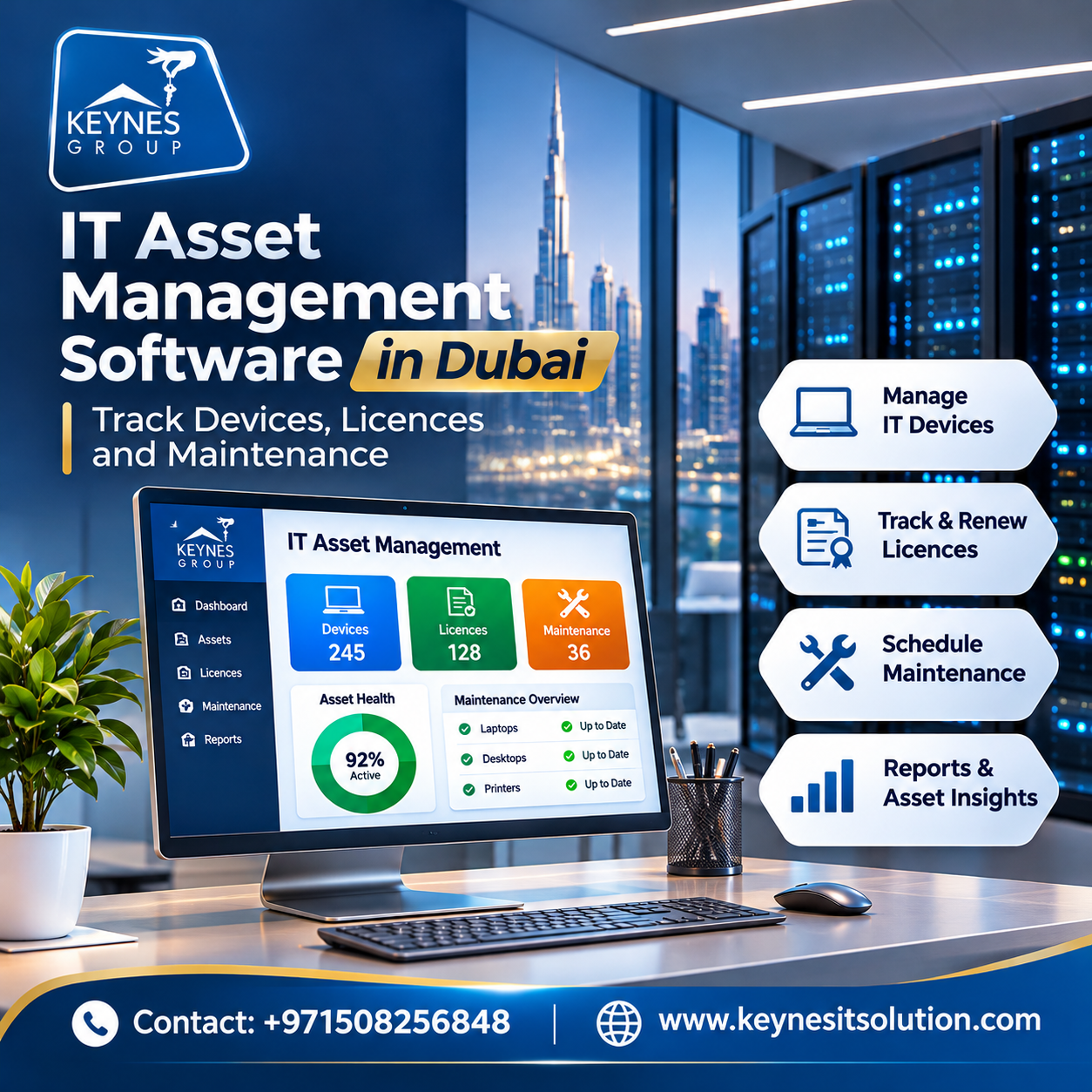
Maintain a searchable register for laptops, desktops, monitors, printers, servers, mobile devices, networking equipment and other technology assets. Useful fields may include asset ID, make, model, serial number, purchase date, warranty information, cost, status and location.
2. Employee and Department Assignment
Record who is using each device and which department or location it belongs to. Assignment and return records can make equipment handovers clearer when employees join, change roles or leave the organisation.
3. Software Licence Records
Keep details of software products, licence quantities, assigned users, renewal dates and associated costs. Set internal reminders so responsible teams can review renewals in advance.
4. Maintenance and Warranty Tracking
Store warranty periods, service-provider details, maintenance dates and repair history. A clear service record helps teams plan maintenance and understand recurring equipment issues.
5. Asset Lifecycle Management
Track assets from procurement and deployment through reassignment, repair, retirement and disposal. Lifecycle information can help businesses plan replacements and estimate future technology requirements.
6. Reports and Dashboards
Use reports to review assets by department, location, category, status, age or assigned employee. Management summaries can support budgeting, audit preparation and purchasing decisions.
How to Introduce an IT Asset Management Process
- List existing assets: Gather available records for devices, software, accessories and equipment across all offices.
- Standardise asset details: Decide which information must be recorded for each asset and use consistent naming and categories.
- Assign ownership: Identify the person, department or team responsible for each item.
- Record locations and status: Keep branch, floor, room and operational status information up to date where relevant.
- Set review schedules: Establish a routine for checking inventory, warranties, maintenance dates and software renewals.
- Train relevant staff: Explain how to record purchases, transfers, returns, repairs and disposals.
Choosing the Right IT Asset Management Software in Dubai
Before selecting a solution, consider the number of assets, locations, users and departments that need access. Check whether the software supports the asset categories your organisation uses, offers practical reporting, provides appropriate user permissions and can fit into your existing IT support process.
Ask for a demonstration using realistic examples from your business. Confirm how data can be imported, how asset records can be exported, what support is available and how the provider handles data protection and access controls. The best choice is a system your team can maintain consistently, not simply one with the longest feature list.
How Keynes IT Solutions Can Help
Keynes IT Solutions supports businesses with technology services and software solutions. If your organisation is reviewing its IT processes, explore the Keynes IT Solutions services to learn more about available support. You can also visit the Keynes IT Solutions website to discuss your business technology requirements.
Frequently Asked Questions
What types of assets can IT asset management software track?
Depending on the platform, it can track computers, laptops, monitors, printers, servers, mobile devices, network equipment, accessories and software licence records.
Can IT asset management software support businesses with multiple branches?
Many systems allow assets to be organised by office, branch, department or location. Confirm that the selected platform supports the structure and reporting your organisation needs.
Does IT asset management software replace an IT support helpdesk?
Not necessarily. Asset management focuses on recording and managing technology assets. A helpdesk focuses on support requests and issue resolution. Some platforms connect these workflows, while others are separate tools.
How often should an organisation review its asset register?
Review frequency depends on the size and activity of the organisation. Update records whenever assets are purchased, assigned, transferred, repaired or retired, and schedule periodic checks to confirm that the register remains accurate.
What information should be recorded for each IT asset?
Common fields include asset ID, category, brand, model, serial number, purchase date, warranty expiry, location, assigned user, status and maintenance history.
Conclusion
Accurate technology records help Dubai businesses make better decisions about equipment, software licences, maintenance and replacement planning. IT asset management software can bring these details together, reduce reliance on scattered spreadsheets and make responsibilities easier to track. Start by defining your asset categories and processes, then choose a solution that matches your organisation's size, locations and reporting needs.