CRM vs Custom Customer Management Software: What Should a Growing Business Choose?
Customer information is valuable only when teams can find it, keep it accurate and use it responsibly. Many businesses begin with spreadsheets or a standard CRM platform, then discover that their sales, service or account-management workflows need additional structure. Others consider custom software before checking whether an existing product can meet their needs. This guide compares standard CRM platforms with custom customer management software and explains how to make a decision based on actual business requirements.
Understand what a standard CRM is designed to do
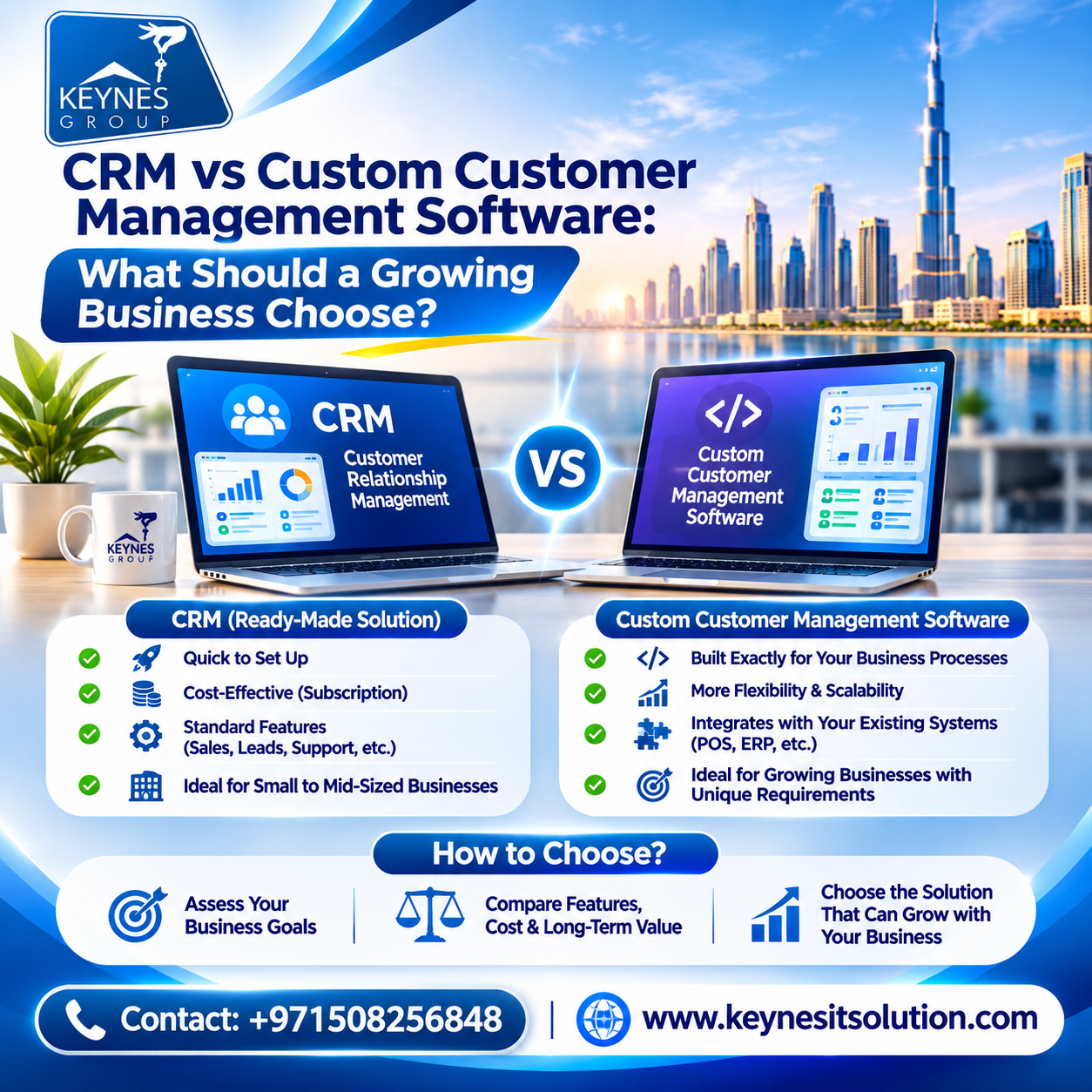
A customer relationship management platform typically helps organisations organise contacts, companies, leads, opportunities, communications and sales activities. Many products also provide dashboards, task reminders, email integration and workflow automation. Standard platforms can be a strong choice when their features match the business process and users can adopt them without extensive customisation.
Identify when custom software may be more suitable
Custom development may be worth exploring when the organisation has specialised workflows, unique approval structures, complex integrations or customer processes that standard CRM tools cannot support effectively. It can also be useful when customer management is one part of a larger operational platform connecting inventory, service delivery, billing or case management. Custom software also creates responsibility for development, testing, hosting and maintenance.
Compare workflow fit and user adoption
Map the process from first enquiry to customer onboarding, ongoing service and renewal. Identify who updates records, what approvals are required and which reports managers need. Test the workflow in a standard CRM trial or prototype before deciding. User adoption matters as much as technical capability: if staff enter the same information repeatedly or cannot find the next action, the system may not deliver value.
Review integration and data migration needs
List systems that need to exchange information, such as email, accounting, customer portals, support tools and payment services. Confirm supported APIs, permissions, licensing and data synchronisation rules. Establish which system owns each record. Before migration, clean duplicate contacts, standardise fields and test a sample import. Keep a backup of original data and document the migration.
Compare total cost of ownership
For a standard CRM, consider subscriptions, user tiers, add-ons, storage, integration fees, training and future price changes. For custom software, include discovery, design, development, infrastructure, security reviews, maintenance, support and enhancements. Compare costs over a realistic period rather than looking only at the first invoice.
Evaluate security, access and ownership
Both approaches require clear access roles, authentication, backups, auditability and data retention practices. Review data export, account closure, administrator access and third-party integrations. For custom software, define ownership of code, documentation and infrastructure accounts in the contract. Organisations operating across jurisdictions should consider where data is processed and which obligations apply.
Use a decision scorecard rather than assumptions
Score each option against workflow fit, user experience, integration capability, reporting, security, data portability, implementation effort, support and total cost. A standard CRM may win when the process is common and speed of adoption matters; custom development may be justified when unique workflows create material business value. Consider a hybrid model as well.
Plan implementation and continuous improvement
Appoint a business owner, document requirements and define acceptance criteria. Start with a focused group of users, migrate a controlled data set and test key workflows. Provide training and establish a support process. After launch, review data quality, adoption, process completion and reporting accuracy, then refine the system as business needs change.
Conclusion
The choice between a standard CRM and custom customer management software depends on workflow fit, integration needs, user adoption, ownership and total cost. Start by documenting the process and testing standard products before committing to custom development. If a genuine gap remains and the business case is clear, evaluate a focused custom solution or hybrid approach. Learn more about software services at Keynes IT Solutions.
Frequently Asked Questions
Is a CRM the same as custom customer management software?
A CRM is a category of software for managing customer relationships. A custom customer management system is designed around an organisation's specific workflows and may include CRM-like capabilities alongside other business functions.
Is custom CRM software always better?
No. Standard CRM products are often more economical and faster to implement when they fit the process. Custom development is justified only when important requirements cannot be met effectively by available tools.
Can a business combine a CRM with custom software?
Yes. A standard CRM can handle common customer records while a custom application or integration supports specialised workflows. Integration feasibility and data ownership should be assessed first.
Further Reading
Discuss your requirements: Visit Keynes IT Solutions.